Understanding Service Time Data
Accurate service time estimates are critical to building realistic routes. BizStride Route Planning supports multiple ways to define service time, depending on how your operation is set up.
Service Time Sources
Customer Profiles
Use fixed service times and unload rates defined at the customer level. This approach is easy to maintain and works well for static routing environments.
Service Time Templates
Apply standardized service time profiles to customer groups. Templates offer flexibility when historical service data isn’t available and allow for dynamic route rebuilding as conditions change.
Route Analytics (Actual Service Times)
Base service times on recorded, real-world data pulled from Route Analytics. This option provides the highest accuracy and is recommended for distributors using dynamic routing.
Service time sources are configured during implementation. If your needs change, BizStride support can help adjust your setup.
Territories: The Building Blocks of Routes
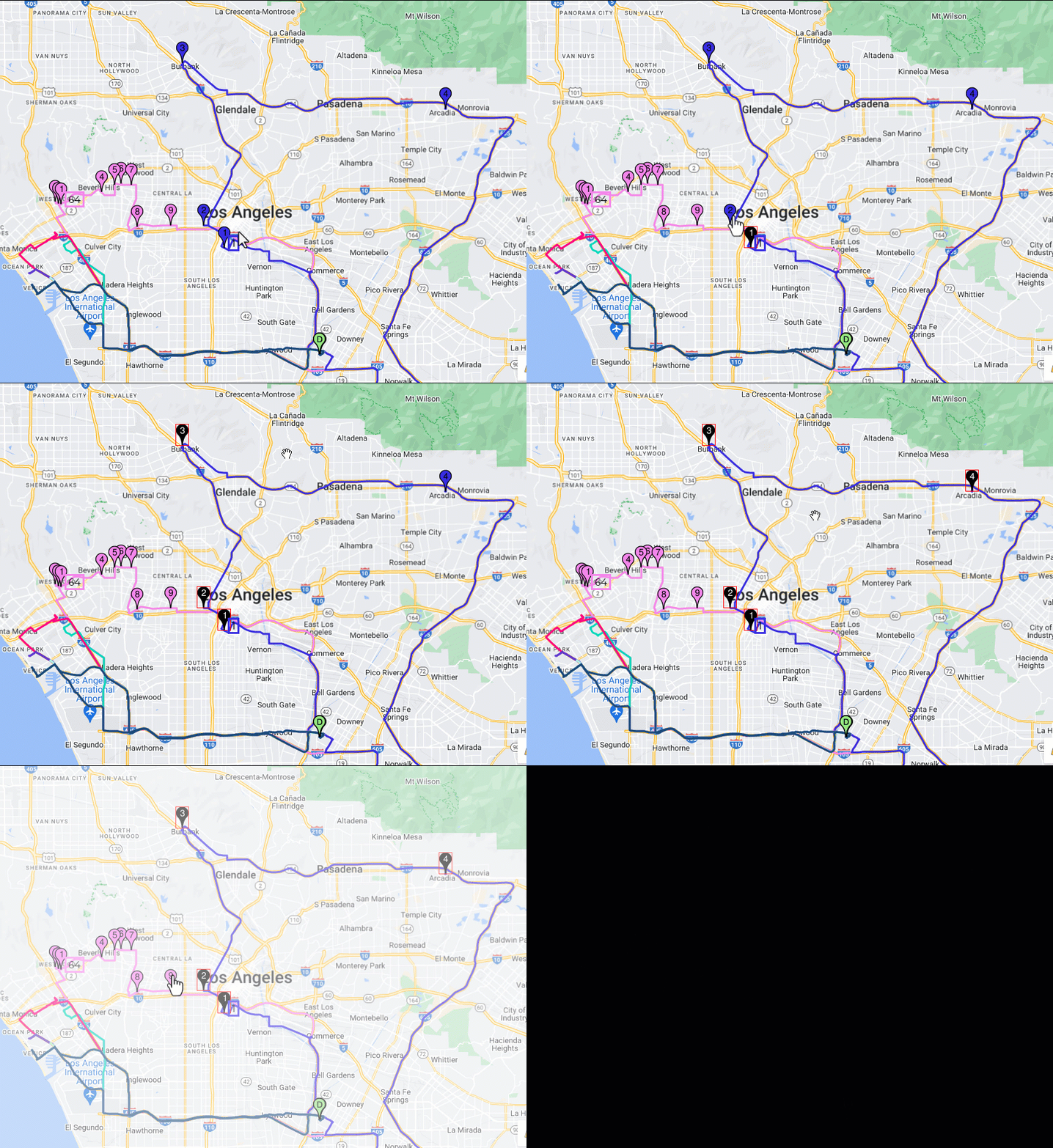
A territory represents a single route over the course of a week. Each territory includes:
- A geographic boundary (geofence)
- Customer stops, color-coded by service day
- A territory ID that aligns with your load and routing structure
You can resequence stops, move customers between territories, and refine routes as needed—maintaining flexibility without losing structure.
Route Plans: Turning Strategy into Action
A route plan is a collection of territories that represents all—or part—of your distribution network.
When Route Planning is first implemented, BizStride creates a baseline plan using historical routing data. From there, you can copy, adjust, and test new plans as your business evolves.
For multi-company distributors, route plans can be organized into projects—keeping operations clean, segmented, and easy to manage.
Plan Smarter. Route Better.
BizStride Route Planning helps distributors move beyond reactive routing and into proactive optimization. With the ability to test scenarios, compare outcomes, and activate changes seamlessly, you gain control over one of the most complex parts of your operation.
The result?
More efficient routes, better service consistency, and decisions backed by data—not assumptions.